
Mobile Ordering for Coffee Shops That Get Busy
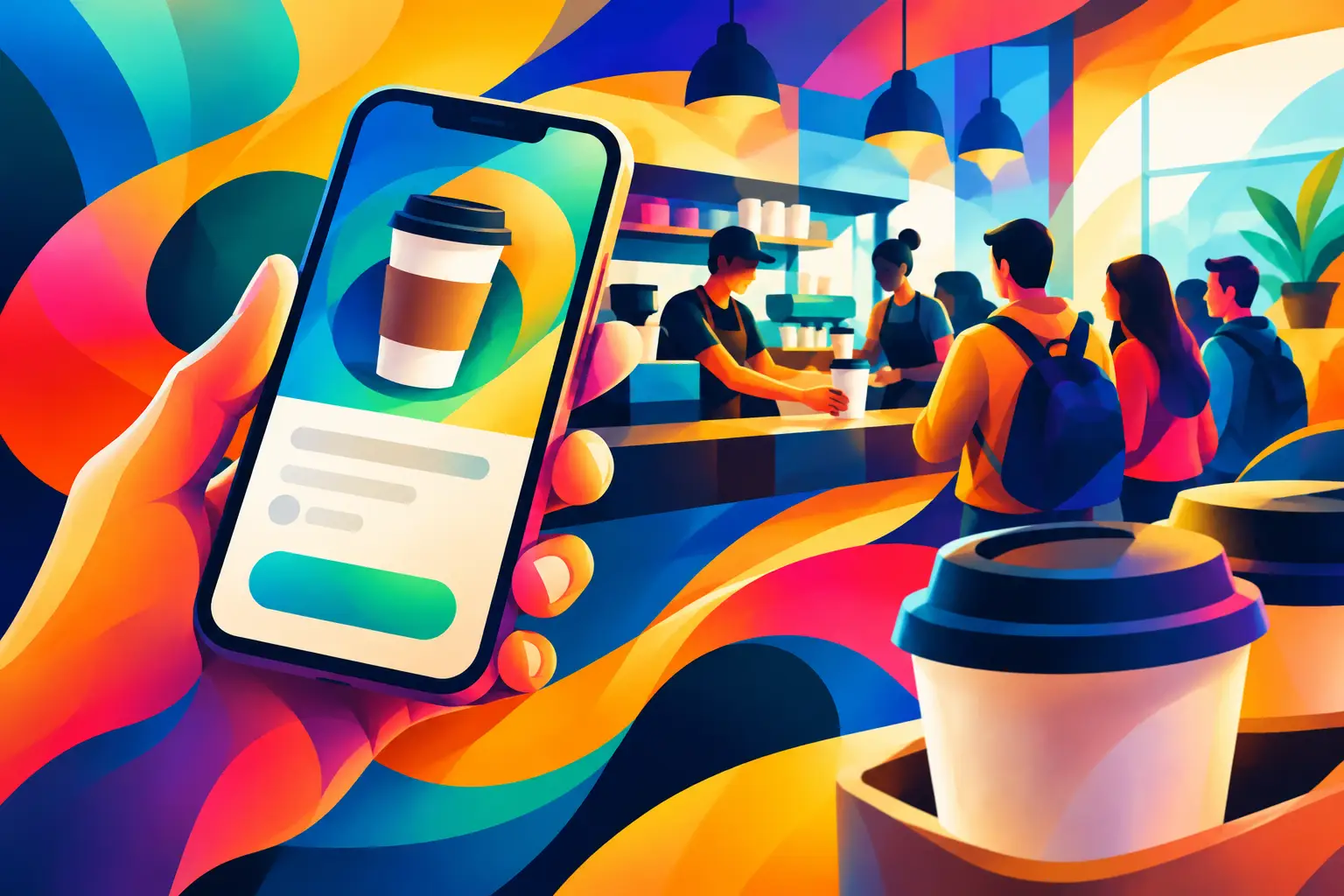
The 8:15 a.m. rush is where a coffee shop earns its regulars - or loses them. A customer who sees a long line may walk out, settle for the office machine, or choose the café down the street next time. Mobile ordering gives that customer another option: place the usual order before leaving home, arrive when it is ready, and get on with the day.
For independent coffee shops, this is not about adding technology for its own sake. It is about protecting the speed, familiarity, and quality that make customers come back. When it fits the way your bar already works, advance ordering can turn a stressful rush into a more predictable service window.
Why mobile ordering matters at the coffee counter
Coffee is a habit-driven purchase. Many guests order at roughly the same time, choose the same drink, and have only a few minutes to spare. That makes the morning queue more than an inconvenience. It can become a limit on how many customers your shop can serve and how often those customers choose you.
A well-run mobile ordering option removes the first bottleneck: taking the order and payment at the register. Customers can browse, customize, pay, and send the order ahead from their phones. Your team receives a clearer order before the customer reaches the shop, which can reduce back-and-forth at the counter and keep the pickup area moving.
The value is not just speed. Regulars appreciate certainty. They know their latte is being made, they know where to collect it, and they do not need to search for a wallet or wait behind a larger order. That small improvement can make your café feel like the easiest choice on a busy weekday.
Mobile ordering works best when it supports your bar
Not every café needs the same setup. A small espresso bar with a narrow counter has different needs than a multi-location coffee business with food, seasonal menus, and several pickup points. The goal is not to push every order off the register. The goal is to give customers a convenient lane while keeping service manageable for staff.
Start with a realistic promise. If your bar needs eight to 10 minutes during peak periods, show that clearly. An overly optimistic pickup time creates frustration for both guests and baristas. A slightly longer, reliable estimate is better than an order marked ready before it is actually finished.
Your menu should also reflect what can be prepared consistently in advance. Core espresso drinks, drip coffee, tea, and familiar modifiers are natural starting points. Highly customized drinks, limited items, or food that requires a longer preparation window may need tighter rules. Convenience should not come at the expense of drink quality.
Keep the digital menu simple
A mobile menu does not need to copy every sign, upsell, and exception from the counter. In fact, too many choices can slow customers down and make order tickets harder to read. Use familiar names, clear sizes, straightforward milk and syrup options, and accurate availability.
Review the menu from a customer’s point of view. Can a regular order their usual drink in a few taps? Can a first-time guest understand the options without asking a question? Can a barista read the ticket and make the drink without guessing? If the answer is no, simplify the flow before promoting it.
Give pickup a clear home
The handoff matters as much as the order. If mobile pickup is mixed into a crowded register line with no signs or process, customers may still wait and staff may spend more time answering questions. Designate a pickup shelf, a counter spot, or a clearly marked area that works within your space.
The best pickup setup is visible but not chaotic. Customers should know where to go without interrupting the line, while your team should still be able to confirm an order before it leaves. For smaller cafés, a simple name check at the handoff may be enough. The right approach depends on your traffic, layout, and comfort with self-service.
Pair advance orders with loyalty
Speed gets customers to try advance ordering. A reason to return is what makes it valuable over time. This is where mobile ordering and digital loyalty belong together.
Paper punch cards have a familiar appeal, but they are easy to lose, forget, damage, or leave in another bag. They can also slow the counter when staff need to find a card, count stamps, or explain an exception. A digital loyalty experience puts the same simple reward mechanic on the customer’s phone, where it is available at the moment they order.
When a customer can place an order ahead and see progress toward a reward in the same mobile experience, the behavior is easy to understand: buy the coffee you already wanted, earn credit, and come back for the benefit. There is no separate card to remember and no paper stack to manage behind the register.
Coffee2GO is designed around that practical connection - advance orders for busy guests and digital rewards for repeat visits. For a coffee business, that focus matters. The system should support the daily rhythm of making drinks, serving people quickly, and recognizing the regulars who keep the business growing.
Set staff up before you promote it
Mobile orders should feel like part of normal service, not a second operation that appears during the busiest hour. Before you tell customers about the option, agree on a few simple routines with your team.
Decide who watches incoming orders, where tickets appear, when drinks move to the pickup area, and how staff handle a customer who arrives early. Make sure everyone knows what to say if an item is unavailable or an order needs clarification. A consistent response protects the customer experience even when the rush gets intense.
It also helps to test the process with real-world scenarios. Send an order for a standard latte, then one with several modifications. Try ordering just before opening, during the busiest 15 minutes, and near closing. Watch where the process slows down. Often, the fix is small: a clearer pickup label, a tighter modifier list, or a different order-prep sequence.
Do not measure success only by the number of mobile orders in the first week. Look at whether the morning line moves more comfortably, whether staff feel less pressure at the register, and whether customers who use the feature return more often. Those signals tell you whether the system is helping your shop rather than simply adding another channel.
Avoid the common friction points
The biggest mistake is treating advance orders as automatic capacity. Every mobile order still needs a drink made well. If your bar is already at full output, adding unlimited orders with short pickup times can push wait times higher for everyone. Use order throttling, pickup-time controls, or limited availability when needed.
Another issue is inventory accuracy. If oat milk, a pastry, or a seasonal syrup sells out, customers need to see that before paying. Keeping availability current prevents refund conversations and protects trust. This does not require a complicated process, but it does require someone on the shift to own the update.
Finally, do not hide the option. A small sign at the counter, a reminder on receipts, and a quick mention from staff can help regulars form a new habit. Focus the message on the immediate benefit: order ahead, skip the line, and collect your coffee when it is ready.
Make convenience part of your customer experience
Independent cafés win because they know their customers. Mobile ordering should strengthen that advantage, not make the experience feel distant. A guest can still be greeted by name, receive a well-made drink, and feel recognized as a regular. The difference is that the transaction no longer has to hold up their morning.
Start with the rush hour that causes the most pressure, keep the setup simple, and refine the process based on what your team sees each day. When ordering ahead is reliable and rewards are easy to carry, customers have one less reason to choose another coffee shop tomorrow morning.